Works offline
Once you’re in your household, check and edit from the parking garage or the supermarket. Changes are sent when you’re back online.
Family organizer
Your family’s calendar, chores, shopping and expenses in one place. Everyone stays up to date, even offline.
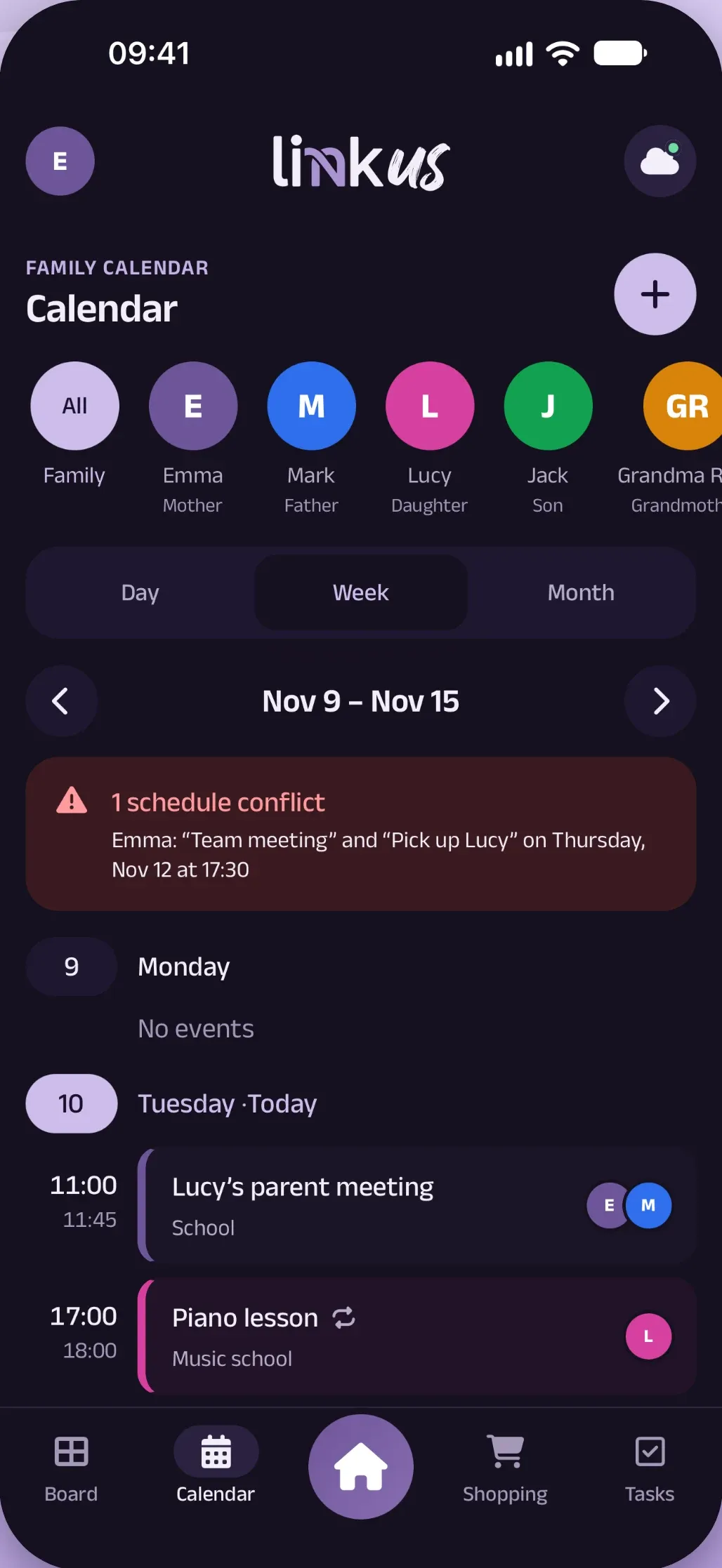
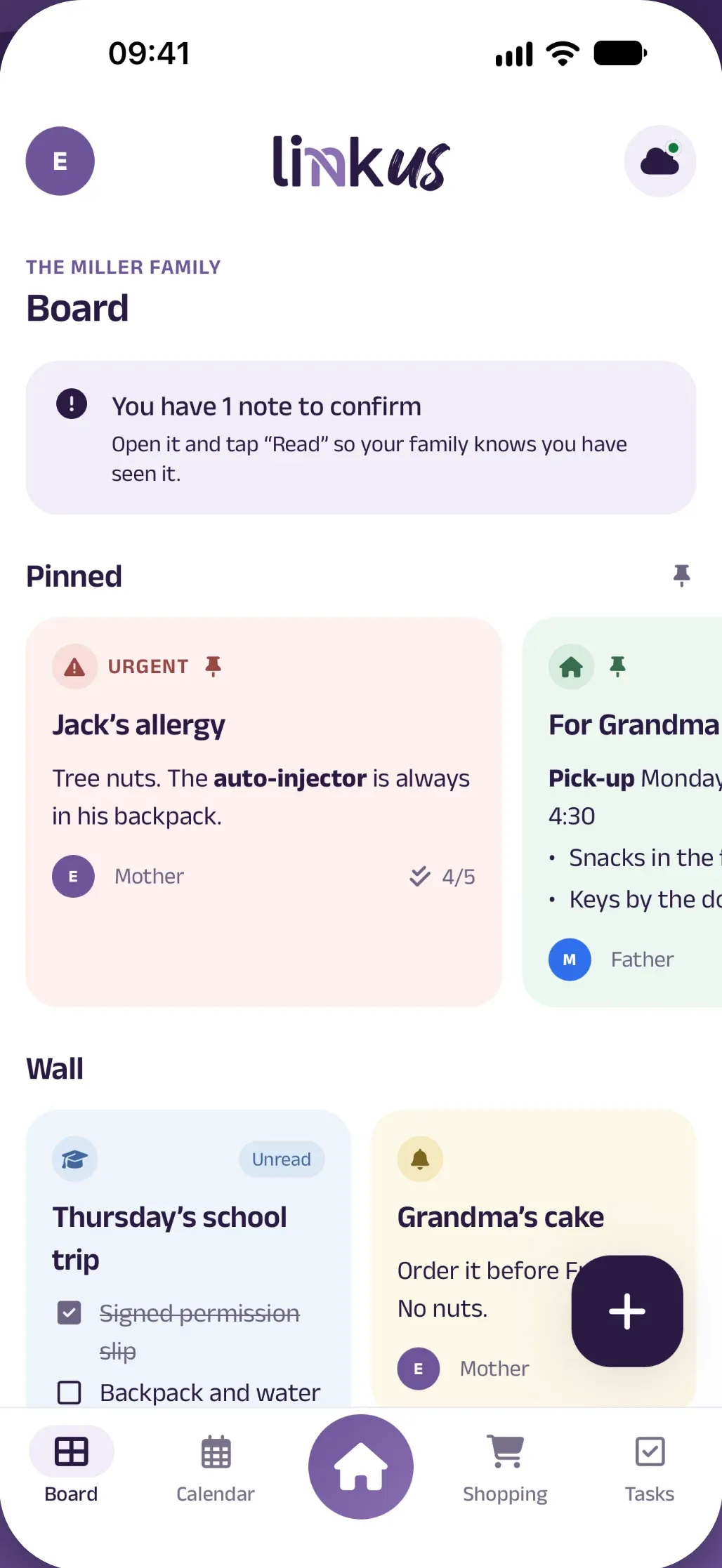
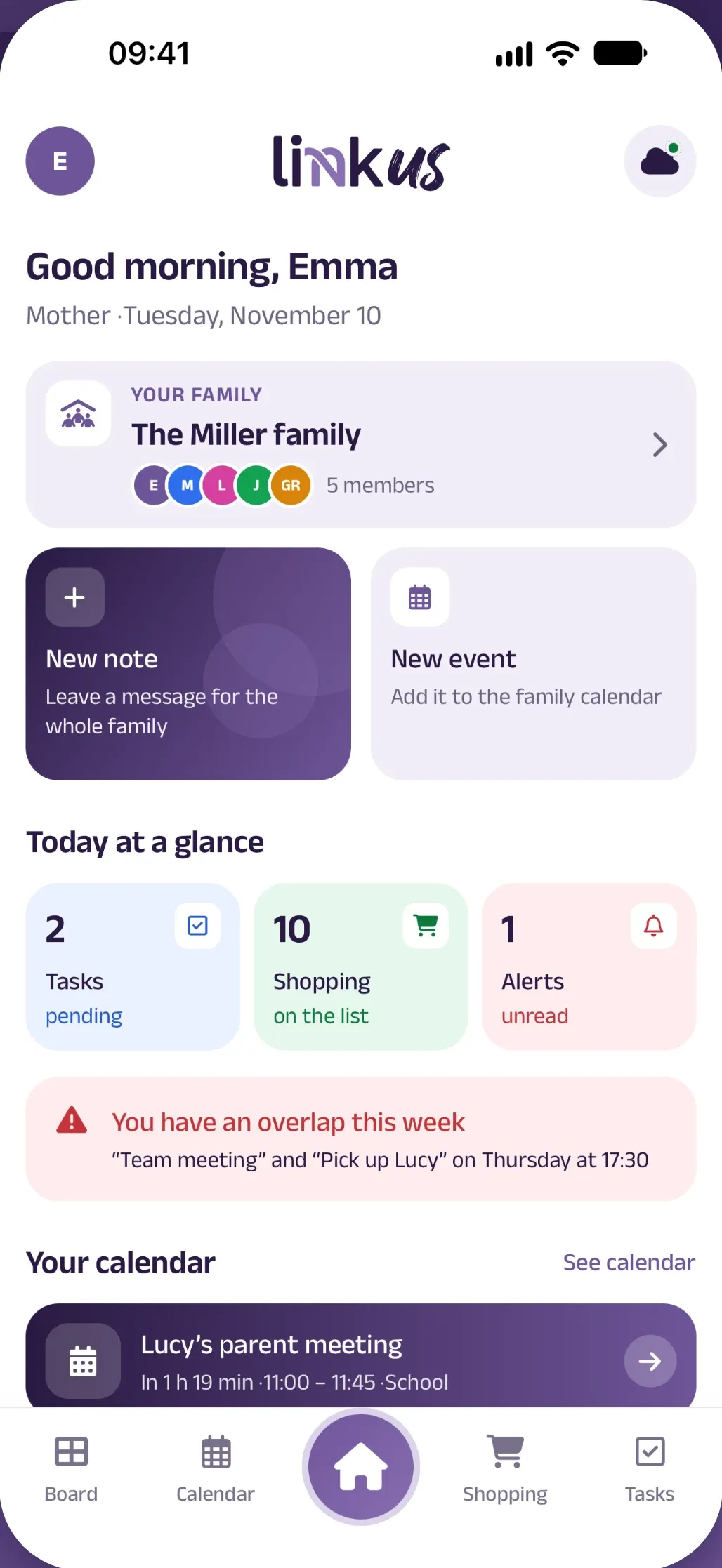
Everything in its place, and the whole family up to date.
Who’s picking up Lucy on Thursday?
CalendarWe’re out of milk
ShoppingField trip permission slip
BoardYour turn to take the trash out
ChoresDo I owe you for electricity?
ExpensesParent meeting Tuesday at 11:00
CalendarFive tabs
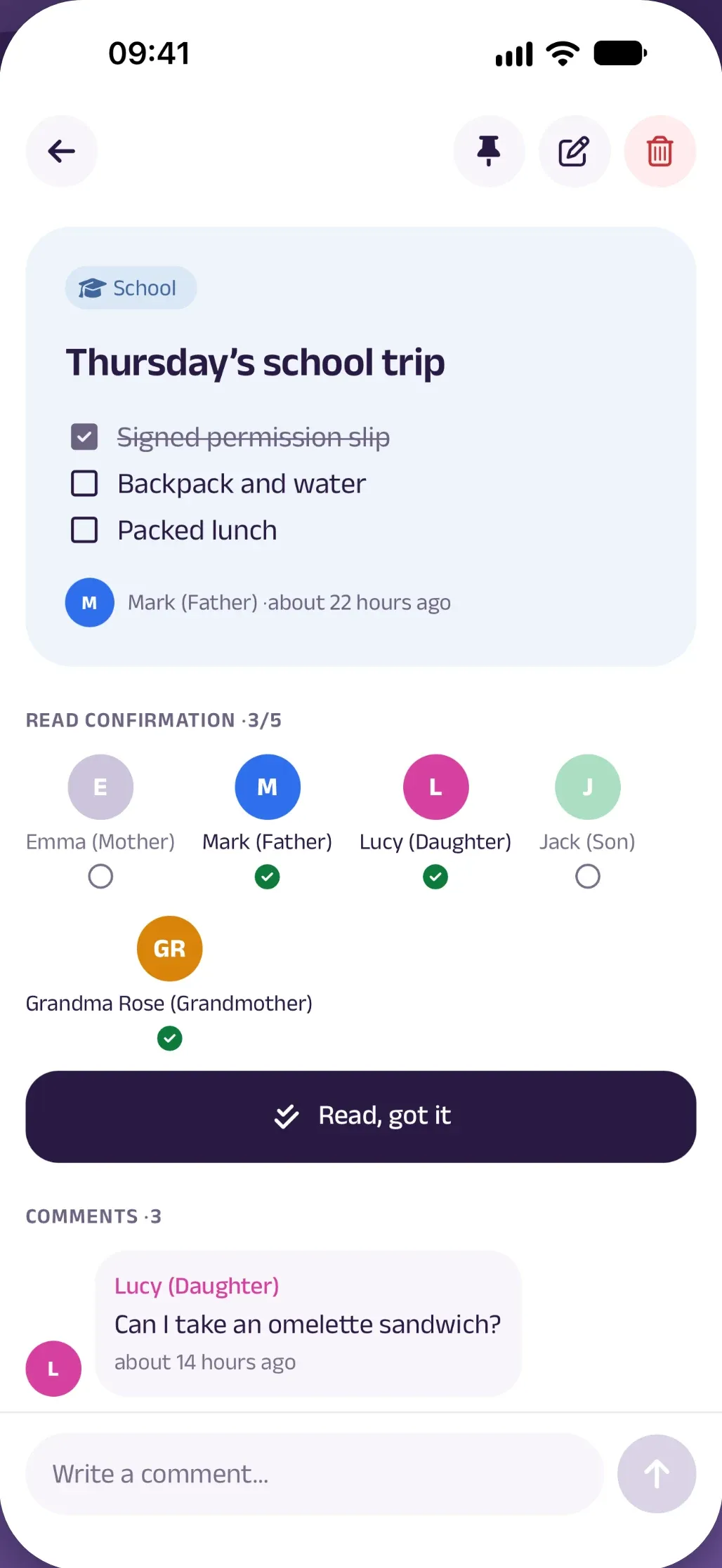
A digital corkboard with text notes, checklists and freehand drawings.
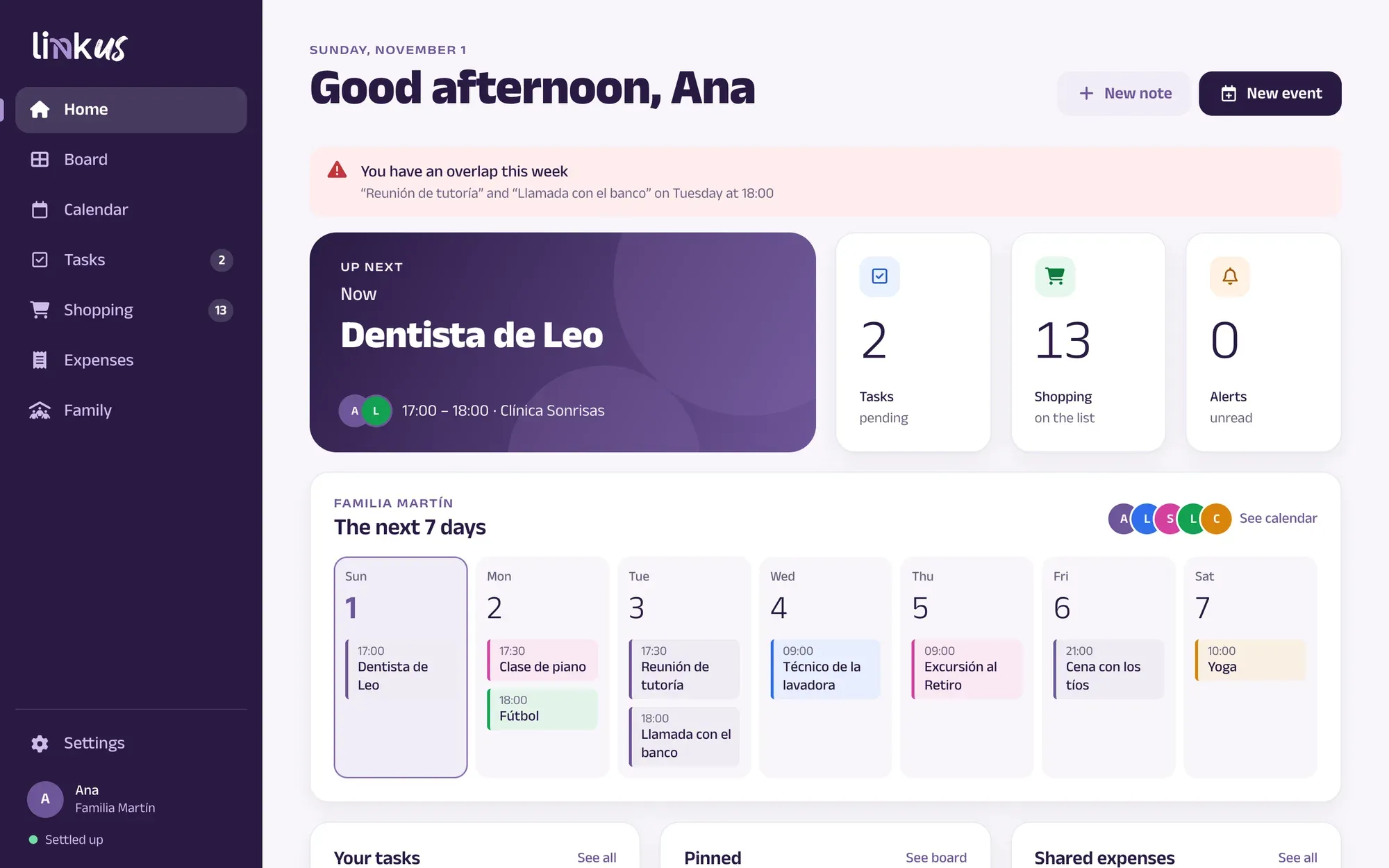
See the whole family at once or filter by person, in day, week and month views.
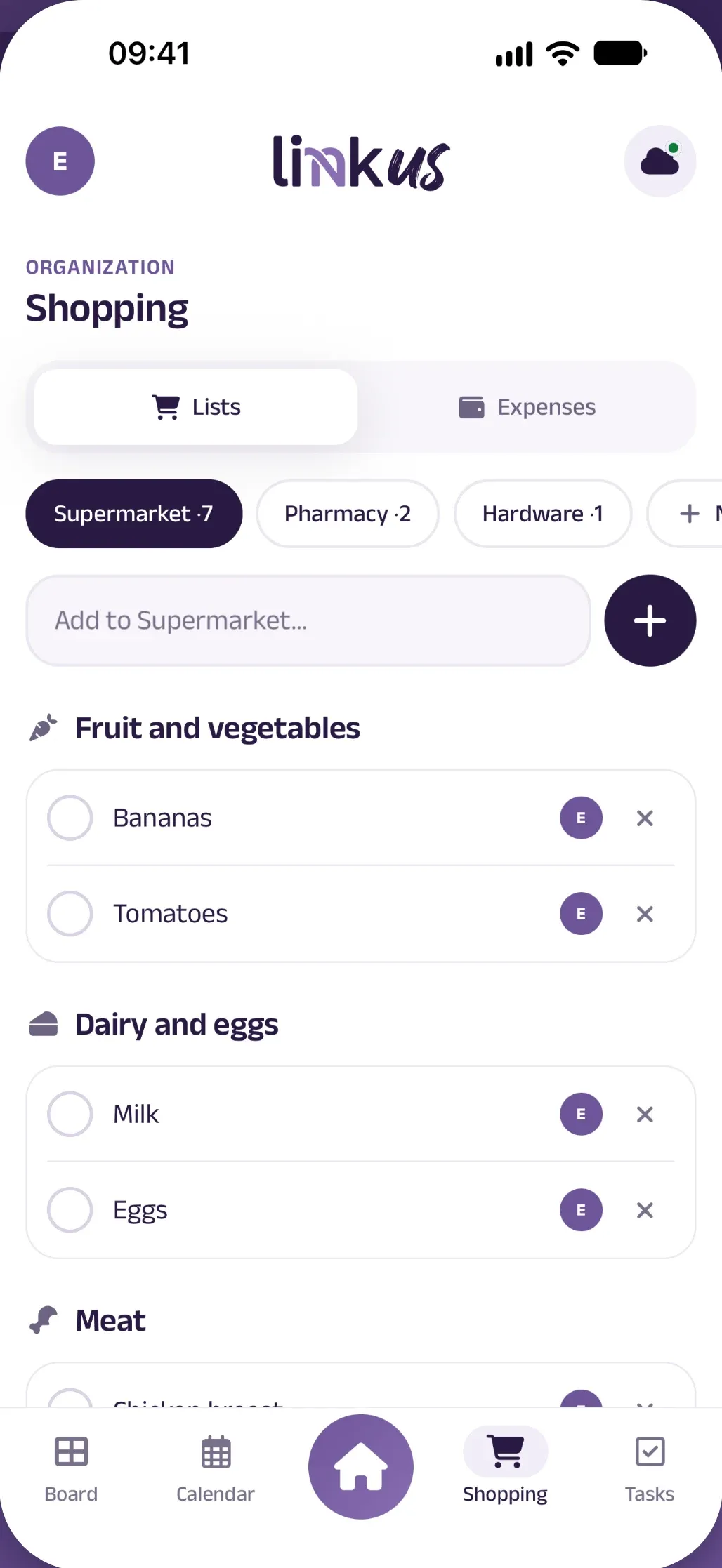
Separate lists for the supermarket, pharmacy or hardware store.
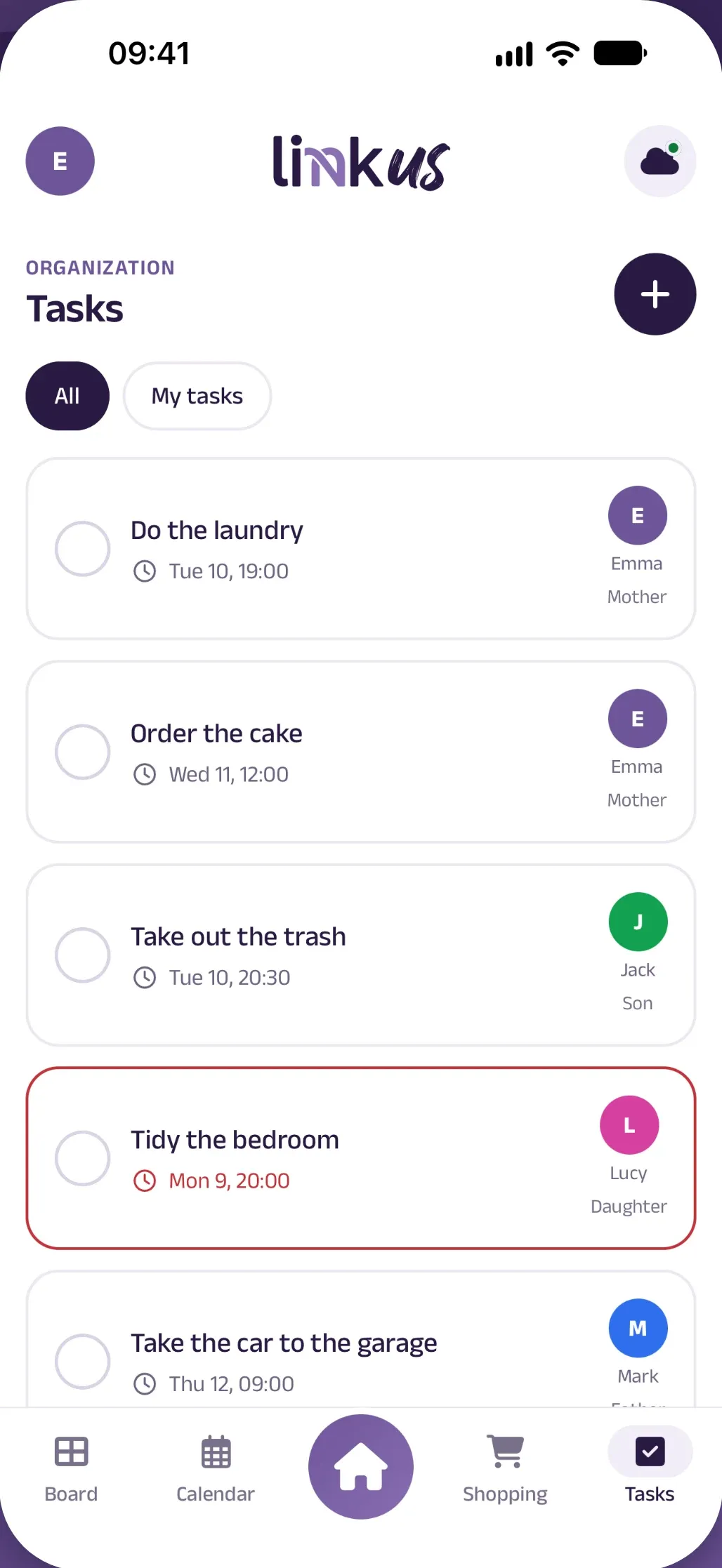
Assign each task to one person and stop being the reminder.
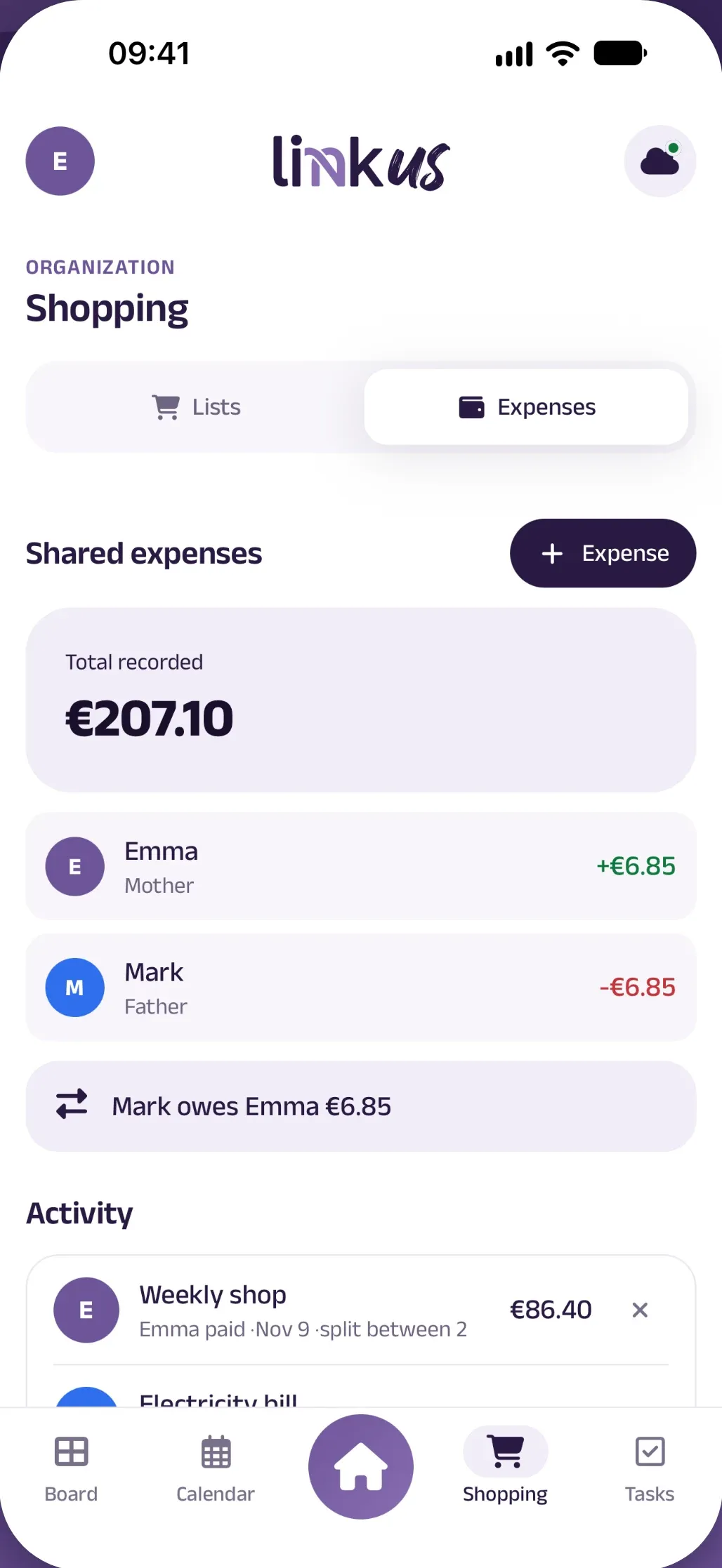
Record who paid and who it’s split between, in equal shares.
The details
Once you’re in your household, check and edit from the parking garage or the supermarket. Changes are sent when you’re back online.
Add things in a few taps and they reach every phone in the family. No AI guessing what you meant.
The category shows up as you type.
Send the family calendar to your phone and show your events from Apple Calendar or Google Calendar.
Roles
Admins, members and guests see and do what suits their role. A code, a QR code or a link is all it takes to invite someone.
Parents
Full control: members, invitations, chores, expenses and pantry.
Kids
Notes, comments, events, shopping lists and their own chores.
Whoever looks after the kids
Pinned notes, the current week and their chores. Nothing else.
Invitation code
Everywhere
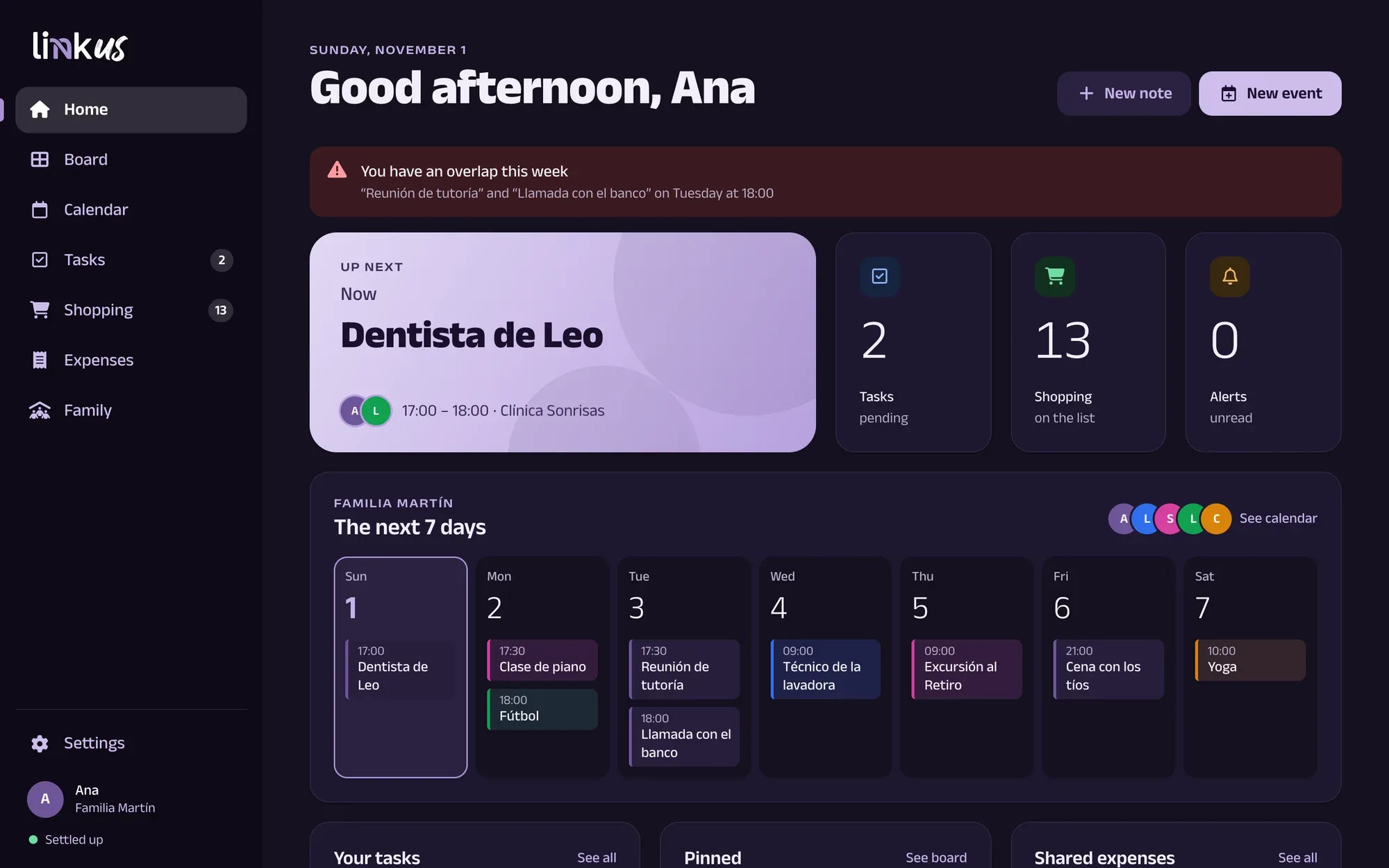
iPhone, iPad, Android and web, with the same account and the same data. In light and dark mode, in Spanish and English.
Privacy
Link Us shows no advertising and doesn’t follow you across other apps and sites.
It isn’t sent to external language models either.
Everything travels over HTTPS, and each role sees only what it should.
You can delete your account from Settings at any time.
Yes, because your household syncs across devices. On mobile, sign in with Google and, on iPhone, with Apple too. On the web, use Google or a code sent by email.
A household admin creates an invitation for a role and shares it as a code, QR code or link. Each invitation works once and expires after 7 days.
Yes, once you’re in your household. You can check and edit things, and changes are sent when you’re back online. Signing in, creating a household or joining one does need a connection.
No. You add everything by hand and your data doesn’t go through external language models. Even shopping categories come from a local dictionary.
Yes, on iOS and Android. You can send the family calendar to your calendar and see your Apple Calendar or Google Calendar events in Link Us. Changes made elsewhere don’t return to the family calendar.
One app for the whole family.